Winter air tends to become dry, which increases static electricity indoors. By addressing humidity, grounding surfaces, and using targeted tools, residents can reduce static buildup without compromising comfort. This guide outlines practical steps and product options that align with typical American homes and climates.
Quick Answer
Best first steps: raise humidity with a humidifier, use anti-static mats in key areas, and consider an ionizing air purifier with humidity control for balanced air quality. Pair these with grounding practices to minimize shocks and keep electrostatic cling low.
What You’ll Need
- ultrasonic humidifier for home winter dry air
- portable room humidifier with humidistat
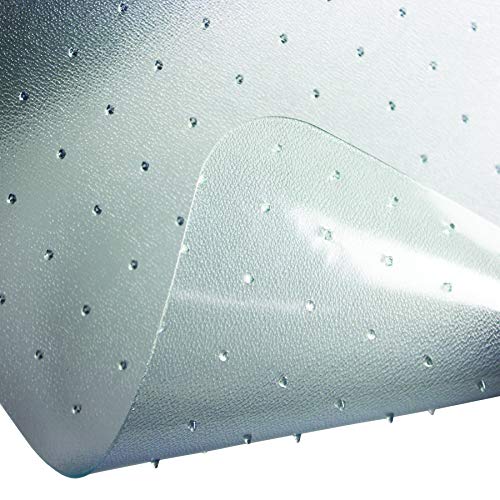
- anti-static mat for home office floor
- grounding wrist strap electronic work anti static
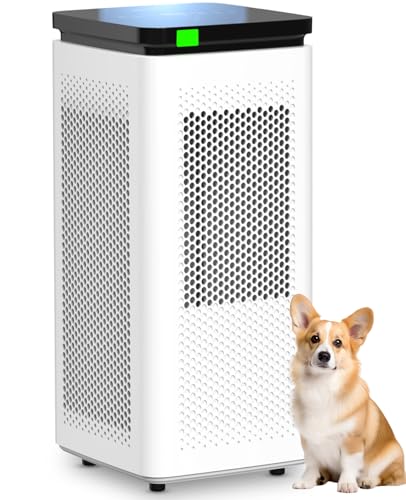
- ionizing air purifier with humidity control

Before You Start
Before adjusting indoor air, assess the environment: dry winter air, synthetic textiles, and electronic devices can contribute to static. Maintain a safe, comfortable humidity range—ideally between 40% and 60%. Avoid over-humidification, which can promote mold. Keep electrical outlets and cords in good condition and unplug devices when inspecting wiring. Plan for a few days of monitoring to see how humidity and air movement affect static levels.
Step-By-Step: How To Reduce Indoor Static
- Place an ultrasonic humidifier in rooms with the most dry air to raise humidity without over-wetting surfaces.
- Set a portable room humidifier with humidistat to maintain a stable relative humidity around 40–50% during daytime and 45–60% during peak dryness.
- Position humidifiers away from electronics and ensure proper drainage to prevent water spills.
- Use anti-static mats in high-traffic areas and around desks where shoes or socks rub on hard floors.
- Ground yourself before handling sensitive equipment by using a grounding wrist strap to discharge static safely.
- Run an ionizing air purifier with humidity control to reduce static charges while balancing indoor air quality.
- Wash or treat fabrics and carpets with non-static-friendly materials; consider natural fibers where possible.
- Keep interior door drafts sealed and use rugs to reduce air movement that can lift static charges.
- Lint-free cleaning reduces particle buildup that can contribute to electrostatic discharge.
- Check clothing fabrics; opt for natural fibers (cotton, wool) over synthetics during peak static periods.
- Monitor energy use and humidity levels daily for the first week to fine-tune devices.
- Revisit electrical outlets and electronics placement if static recurs in specific zones.
Troubleshooting
| Symptom | Likely Cause | Fix | Prevention |
|---|---|---|---|
| Constant shocks when touching doorknobs | Very dry air; low humidity | Increase humidity with humidifiers; use humidistat | Maintain humidity 40–60% |
| Sparks near electronic equipment | Static buildup and grounding gaps | Ground yourself with a wrist strap; use anti-static mats | Keep devices on grounded surfaces |
| Static cling on clothes | Synthetic fabrics, low humidity | Use humidifier; consider fabric softeners or dryer balls | Prefer natural fibers in winter |
| Dust and small particles attracted to screens | Dry air; charged surfaces | Air purifier with humidity control; wipe surfaces with damp cloth | Regular cleaning and balanced humidity |
Common Mistakes
- Overusing humidifiers without monitoring humidity and mold risk
- Relying on one solution in isolation (only humidifier or only anti-static mat)
- Ignoring grounding needs around electronics and tools
- Using excessive synthetic fabrics in living spaces
Tips For Best Results
- Place humidifiers on hard surfaces away from carpeted areas to distribute moisture evenly
- Combine an anti-static mat with a grounding wrist strap for active work zones
- Maintain a consistent cleaning routine to prevent dust from contributing to static charges
- Rotate rugs and textiles to reduce static-prone patterns on floors
- Check filters monthly and replace as needed to keep the purifier effective
Call A Professional
Seek professional help if static issues persist after humidity and grounding measures, or if you notice signs of moisture damage or mold growth. Contact an HVAC technician or indoor air specialist if humidity control equipment seems ineffective or if energy bills rise unexpectedly. Stop using equipment if you detect unusual odors, buzzing, or tingling from devices.
FAQ
Can humidity alone reduce static electricity?
Yes, maintaining balanced indoor humidity reduces static buildup and makes surfaces less prone to shocks.
What is the ideal humidity range for static control?
Typically between 40% and 60% relative humidity, adjusted for comfort and mold risk.
Do anti-static mats work on all floors?
Most work well on hard floors; place mats where skin contact with the floor is common.
Is an ionizing air purifier necessary for static control?
Not always, but it can help when paired with humidity control to reduce static charges and improve air quality.
Buying Guide
Choosing the right tools to reduce static involves evaluating size, noise, energy use, and placement. A multi-room approach often yields the best results, especially in larger homes or hybrid living spaces. Consider the following factors to compare options and build a balanced system that fits your needs.
Size and Coverage
Measure rooms or zones where static is most noticeable. Smaller, portable humidifiers work well for bedrooms or home offices, while larger rooms may benefit from a higher-capacity unit or a centralized system.
Noise Level
Look for units labeled as quiet or “low-noise” if sleep or study comfort is important. Ultrasonic humidifiers typically offer minimal noise compared to some evaporative models.
Energy Efficiency
Energy-star rated devices or models with efficient output control help minimize electricity use while maintaining desired humidity levels.
Controls and Humidity Management
Humidistats allow automatic adjustments, ensuring steady humidity without constant manual tweaking. A purifier with humidity control combines air cleaning with moisture management for convenience.
Placement Options
Consider outlets, water supply or drainage, and proximity to electronics. Portable units provide flexibility, while fixed units require installation considerations.
Materials and Maintenance
Choose devices with easy-to-clean tanks and filters. Regular maintenance supports consistent humidity and reduces the buildup of dust and static sources.