Regular, careful cleaning helps maintain image quality and extends the life of camera gear. This guide covers practical steps to clean lenses, sensors, and other surfaces using common tools designed for American photographers.
Following proper technique reduces the risk of scratches, chemical damage, and dust buildup that can affect autofocus and exposure. The methods below emphasize safe handling, appropriate products, and a logical order to clean without introducing new contaminants.
Quick Answer
What to do first: Use a blower to remove loose dust, then brush away stubborn particles, followed by lens cleaning solution and microfiber cloths for fingerprints. For sensors, use dedicated sensor swabs and the manufacturer-approved fluid, only if you’re confident. Always keep tools clean and free of lint, and avoid touching the image area with bare hands.
What You’ll Need
- Camera lens cleaning kit microfiber cloth
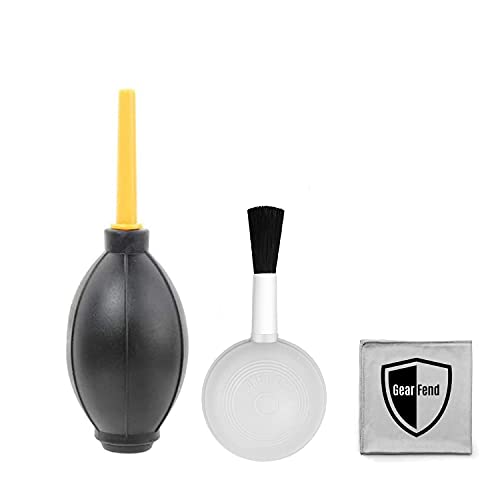
- blower brush
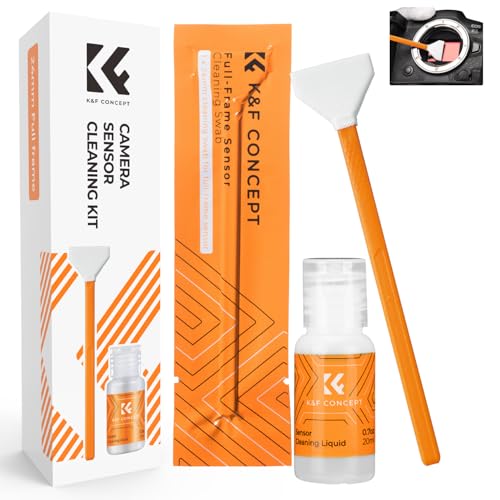
- sensor cleaning swabs for DSLR camera
- air blower for camera lens cleaning
- alcohol-free lens cleaning solution for cameras
- microfiber cloth set for camera lens cleaning

Before You Start
Work in a clean, dust-free area away from bright lights that can cause glare. Ensure the camera is powered off and the battery is removed when working on the body or lens. Use soft, lint-free materials and avoid paper tissues that shed fibers. If you suspect a sensor issue, exercise caution: do not rub or scrub the sensor with any cloth and follow the manufacturer’s guidance. Plan 15–30 minutes for a basic clean, longer if you opt to inspect the sensor.
Step-By-Step: How To Clean A Camera
- Detach the lens if necessary and point the camera downward to reduce dust entering the body.
- Use a blower brush to remove loose dust from the lens surface and the camera body, keeping the nozzle a small distance away.
- Gently wipe the exterior surfaces with a microfiber cloth set, using a dry brushing motion to lift smudges without pressing.
- Apply a alcohol-free lens cleaning solution to a corner of a microfiber cloth (never directly on the lens) and wipe in a circular motion from the center outward.
- For persistent smudges, use the camera lens cleaning kit microfiber cloth paired with a dedicated lens cleaning solution and avoid circular scrubbing on coated surfaces.
- Clean the lens glass in a sequence from the center to the edge. If streaks remain, switch to a fresh microfiber cloth and a small amount of solution.
- Inspect the lens mount and filter threads for dust; remove with a blower, then wipe with a cloth if needed.
- If sensor cleaning is required and you are trained to do so, use sensor cleaning swabs for DSLR camera with the appropriate fluid, following exact manufacturer directions.
- Reattach the lens, recheck focus, and take a test shot to ensure clean results without sensor disturbances.
- Store cleaning tools in a dedicated, clean case to prevent recontamination for future sessions.
- Document any recurring issues, such as persistent dust or smudges, to adjust cleaning frequency or equipment.
Troubleshooting
| Symptom | Likely Cause | Fix | Prevention |
|---|---|---|---|
| Streaks after cleaning | Residual cleaning solution | Use a clean microfiber cloth and minimal liquid | Use separate cloths for different applicators |
| Dust returns quickly | Environment or improper sealing | Clean in a dust-free room and check lens caps | Keep camera in protective bag when moving between environments |
| Scratches on lens or sensor | Rubbing with hard objects | Stop cleaning immediately; use manufacturer-approved tools | Avoid touching coatings; store tools properly |
| Fuzzy fibers on glass | Lint from cloth or swabs | Switch to fresh, lint-free cloth | Wash or replace cloths regularly |
Common Mistakes
- Using household cleaners or alcohol on coated lenses
- Cleaning the sensor without proper swabs or guidance
- Applying liquids directly to lenses or sensors
- Reusing dirty cloths or swabs that shed fibers
- Cleaning in a windy or dusty area without protection
Tips For Best Results
- Work in a clean, calm environment with good lighting to spot dust and smudges.
- Use the correct order: loose dust removal, then smudge cleaning, then final inspection.
- Rotate cloths and replace swabs frequently to avoid redepositing debris.
- Inspect lenses and glass frequently for coatings, avoiding aggressive rubbing that can wear protective layers.
- Label cleaning tools to prevent cross-contamination between camera bodies and lenses.
Call A Professional
Seek professional help if you notice persistent dust, fungus, or grease inside the lens assembly or sensor that cannot be safely cleaned with consumer tools. Stop attempts if the camera shows unusual symptoms such as fluctuating image quality, abnormal dust patterns, or error messages that indicate internal contamination. If you’re unsure about sensor cleaning, contact a certified technician rather than proceeding with risky methods.
FAQ
What is the safest way to remove dust from a camera sensor?
Use manufacturer-approved sensor cleaning swabs and fluids, following exact directions and in a clean environment.
Can I clean lenses with alcohol-based solutions?
Avoid alcohol-based solutions on coated lenses; use an alcohol-free lens cleaning solution specifically made for cameras.
How often should I clean my camera lenses?
Clean when visible smudges or dust affect image quality; routine light cleaning every few weeks is common for active shooters.
Is it necessary to wipe the interior of the camera body?
Only if dust is visible on the sensor area or accessible interiors; otherwise, focus on lenses and external surfaces.
What should I do if cleaning leaves streaks?
Switch to a new microfiber cloth and apply minimal liquid; ensure the cloth is dry before re-applying any solution.
Buying Guide
When choosing camera cleaning tools, consider size, compatibility, and ease of use. Look for a sensor cleaning swabs for DSLR camera kit that matches your camera brand, a blow blower for camera lens cleaning with a gentle air flow, and a microfiber cloth set for camera lens cleaning designed to lift oils without leaving fibers. Prioritize alcohol-free cleaning solutions to protect coatings, and assemble a compact, portable setup for on-the-go maintenance. Assess noise, material quality, and ease of replacement parts for long-term value. Finally, check that the kit includes a protective storage case to minimize contamination between sessions.